2 Results
-
 LollyKnit (flickr) (CC BY 2.0)
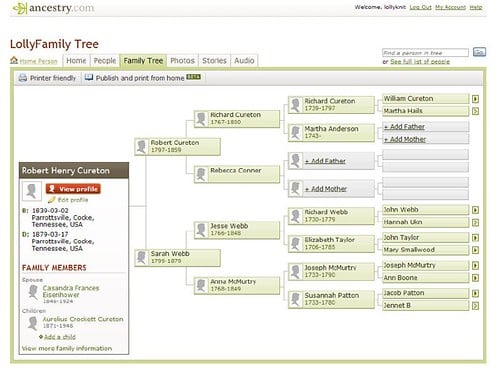
Family Trees: Using Ancestry.comHealth & WellnessMaster Ancestry.com without the intimidation! This beginner-friendly class guides you through searching records, managing hints, protecting your privacy, incorporating DNA results, and backing up your work with offline software like Family Tree Maker. Learn how to avoid common mistakes and build an accurate, lasting family tree right from the start. Attendees are welcome to bring an optional laptop to follow along live, and youth ages 15–17 may register and attend alongside a registered adult.Fall 2026
LollyKnit (flickr) (CC BY 2.0)
Family Trees: Using Ancestry.comHealth & WellnessMaster Ancestry.com without the intimidation! This beginner-friendly class guides you through searching records, managing hints, protecting your privacy, incorporating DNA results, and backing up your work with offline software like Family Tree Maker. Learn how to avoid common mistakes and build an accurate, lasting family tree right from the start. Attendees are welcome to bring an optional laptop to follow along live, and youth ages 15–17 may register and attend alongside a registered adult.Fall 2026 -
 Print-Ready: Writing and Formatting Your Book in Microsoft WordSpecial Interest & HobbiesMicrosoft Word can be a powerful tool for self-publishing your book, but only if you know how to work with it. This session walks through practical techniques for formatting text, handling images, and creating clean, consistent layouts using styles, captions, and other built-in tools. Learn how to avoid common pitfalls, streamline your workflow, and take advantage of features many users overlook. Whether you’re starting from scratch or refining an existing project, you’ll gain the skills needed to produce a clean, professional, print-ready book in Word.Fall 2026